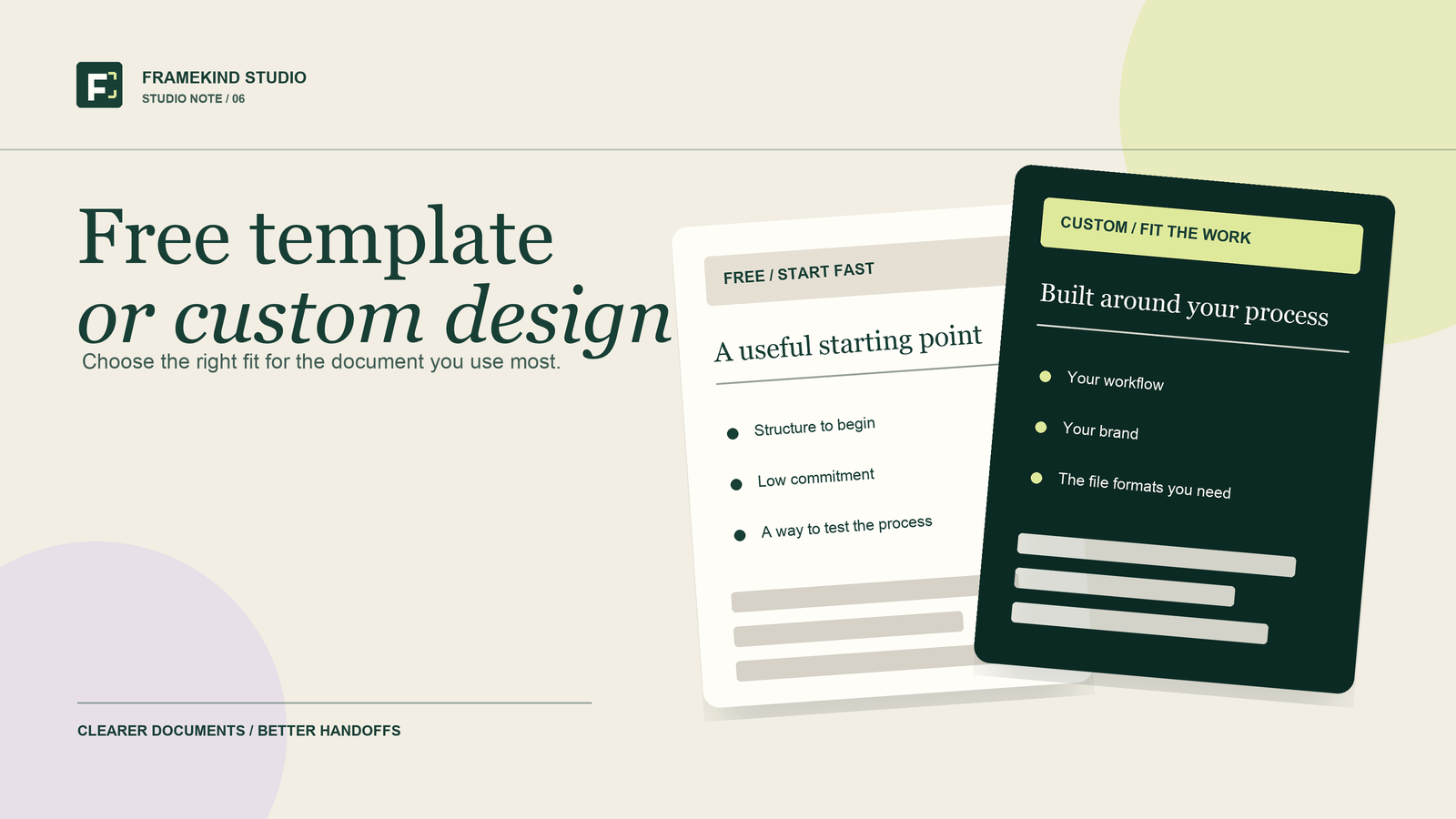
A free template can be a useful starting point. Custom document design makes sense when the document needs to fit a particular job, brand or way of working. There is also a middle option: a ready-made kit for a task you already know you need to do.
You do not need to redesign every file in your business. Start with the document you use often, send to clients or keep fixing. Then choose the simplest option that does the job.
Start with what the document needs to do
Before choosing a layout, answer three questions:
- Who will use this?
- What do they need to understand, enter or decide?
- What happens after they finish it?
A pet sitter's owner update needs to make the visit easy to understand. A cleaner's job estimate needs to make the proposed work clear. A video editor's project brief needs to put the agreed requirements somewhere both sides can refer to.
Those jobs call for different information. A document can look polished and still leave out the detail someone needs next.
When a free template is enough
Start free when the job is small, the layout already fits and you are still learning what information you need.
A simple checklist, contact sheet or meeting outline can be enough. Try it with fictional details before using it for a client. Check the space for answers, the order of the questions and whether the file works in the app you plan to use.
Our free Pet Care Emergency Snapshot is one example. It gives you a single page for essential contacts and care details, with fillable PDFs in US Letter and A4. It is an information organizer, not a complete pet-sitting service agreement or substitute for an owner's current instructions.
Get the free Pet Care Emergency Snapshot
Free is a good choice when it fits. If you keep adding separate notes because the same fields are missing, write down those gaps before trying another template.
When a ready-made kit makes sense
A ready-made kit can help when you need several related documents and the listed contents match your work. Check the actual pages and file formats before buying.
For example:
- Solo Cleaner Client Kit brings together client intake, a job estimate, a visit checklist, a visit summary and payment follow-up. View the kit
- The Pet Care Handoff includes forms for client contacts, care profiles, home handoff, visit planning, visit records and a separate owner update. View the kit
- Before the First Cut helps video editors and their clients clarify a project before editing begins, with fillable PDFs and editable Word files. View the kit
Choose the kit for what is inside it. A large bundle is not automatically more useful than a few pages you will actually use.
When custom document design is worth considering
Custom design becomes useful when a standard template makes you work around it. You might need a different order, a particular set of fields, room for longer answers or a layout that follows your team's process.
It can also make sense when:
- Clients see the document regularly and it needs to match your brand.
- Several people need to understand or update the same file.
- You want related forms, slides or print materials to feel consistent.
- An existing document has useful content but is difficult to read or fill in.
- You need an agreed editable format, rather than a finished page alone.
Picture a cleaning business that offers several service levels. A standard estimate may leave no clear place to show what each option includes. The design brief could focus on that comparison, the client's selected option and the next step.
Or a pet sitter may need an owner update that follows the order of their visits. The useful change might be simpler labels and more space for observations, rather than extra pages.
These are examples of possible briefs. The right scope depends on how the document will be used.
Check the file format before you choose
“Fillable” and “editable” do not mean the same thing. A fillable PDF lets someone enter information into the fields provided. It does not necessarily let them change the wording, fonts or page layout.
If you need to change the structure, look for an editable source file and check which app it requires. For a spreadsheet, confirm the intended app and whether the formulas and layout work for your task. For printed materials, agree the size and printer requirements before the final files are prepared.
For any option, check what you may reuse, modify or share under its licence. Do not assume a free download or paid template allows resale.
A simple way to decide
Use a free template if the existing page does the job.
Choose a ready-made kit if you need its specific set of forms and the formats suit you.
Consider custom design if the structure, branding or editing needs require a different approach.
If you are unsure, test one document first. Note where you hesitate, which questions need explaining and what information is still missing. That gives you a clearer brief than “make it look better.”
What to send a designer
You can start with a rough document, a sketch or a short description. Useful details include:
- What the document needs to do and who will use it.
- The information it needs to contain.
- What is difficult about your current version.
- Your preferred editing app and whether it will be printed.
- Any brand files or examples you like.
- Your ideal deadline and budget, if you have them.
Remove private client details from examples before sharing them. For the first conversation, fictional entries are usually enough to show how a form should work.
Start with one useful document
Framekind Studio offers custom forms, fillable PDFs, checklists, presentations, spreadsheets, flyers, posters and business cards. We confirm the scope, price, timeline, file formats and revision plan before design begins.
Do not see your document on the list? Describe what you want to make and what it needs to do. We will let you know whether it suits our work and suggest a next step.